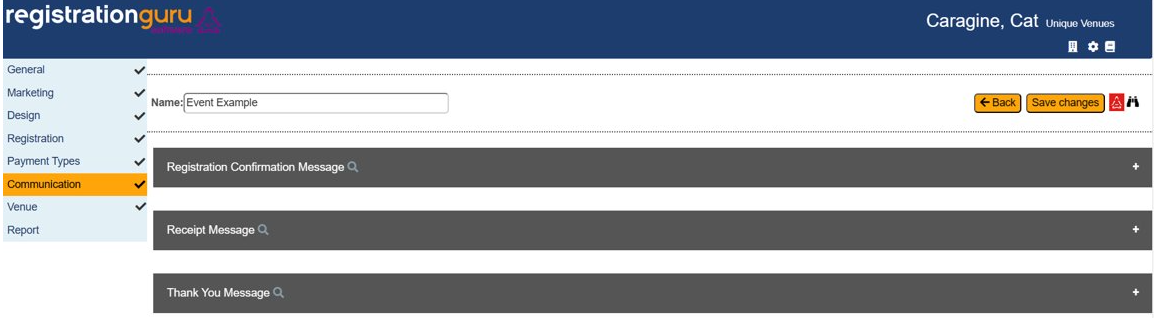
Registration Confirmation Message: This message will be automatically sent out to attendees that have registered for an event, upon clicking save and pay. This is where you should include important information that a registrant may need to recall at a later date.
Receipt Message: This is not required but can be a good place to use the smart merge fields to design a receipt that can be sent out for events that require payment. These will need to be manually sent out since the system does not automatically send out receipt messages.
Thank You Message: This message will be a pop up that appears after a registrant has submitted/paid for the registration. They will see it once, and upon exiting the browser, it will not be seen again. It is best to keep this short and sweet.
Was this article helpful?
That’s Great!
Thank you for your feedback
Sorry! We couldn't be helpful
Thank you for your feedback
Feedback sent
We appreciate your effort and will try to fix the article