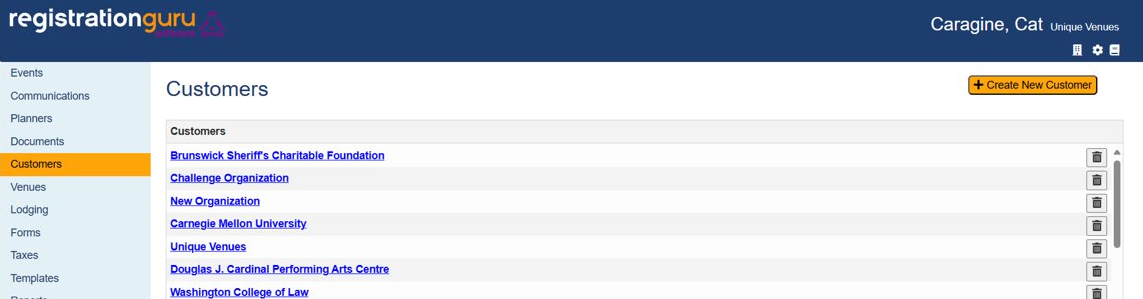
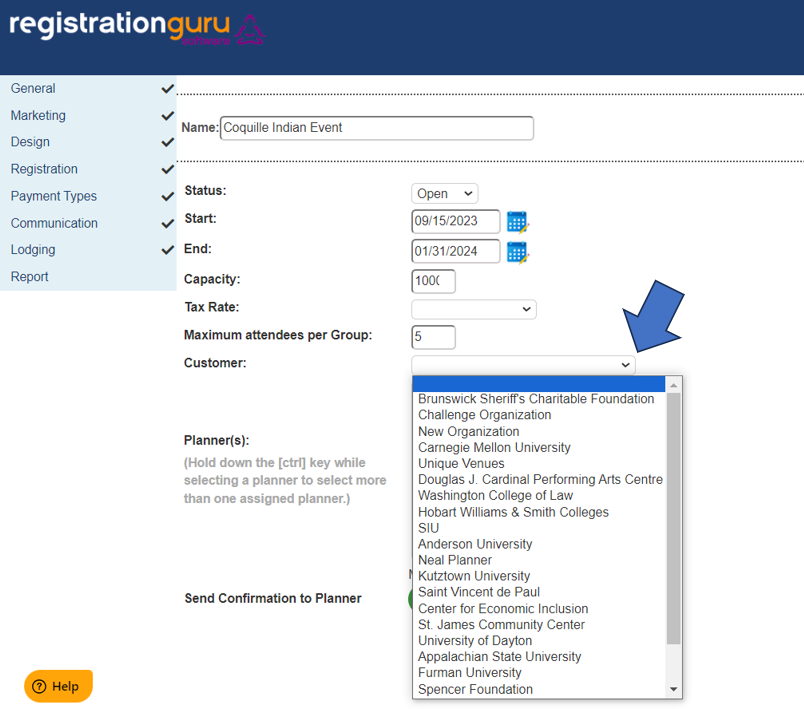
You can add a new customer to RGS by selecting the customer tab. Click "create new customer" and this will allow the user to enter in a customer's name. Once inside of an event, you will be able to select the customer from a drop down list. The primary reason this option is used is to associate the event to a specific customer which can help other users identify who the event is connected to when in the admin area. It is an optional field, so you can ignore it if you choose to do so.
Was this article helpful?
That’s Great!
Thank you for your feedback
Sorry! We couldn't be helpful
Thank you for your feedback
Feedback sent
We appreciate your effort and will try to fix the article