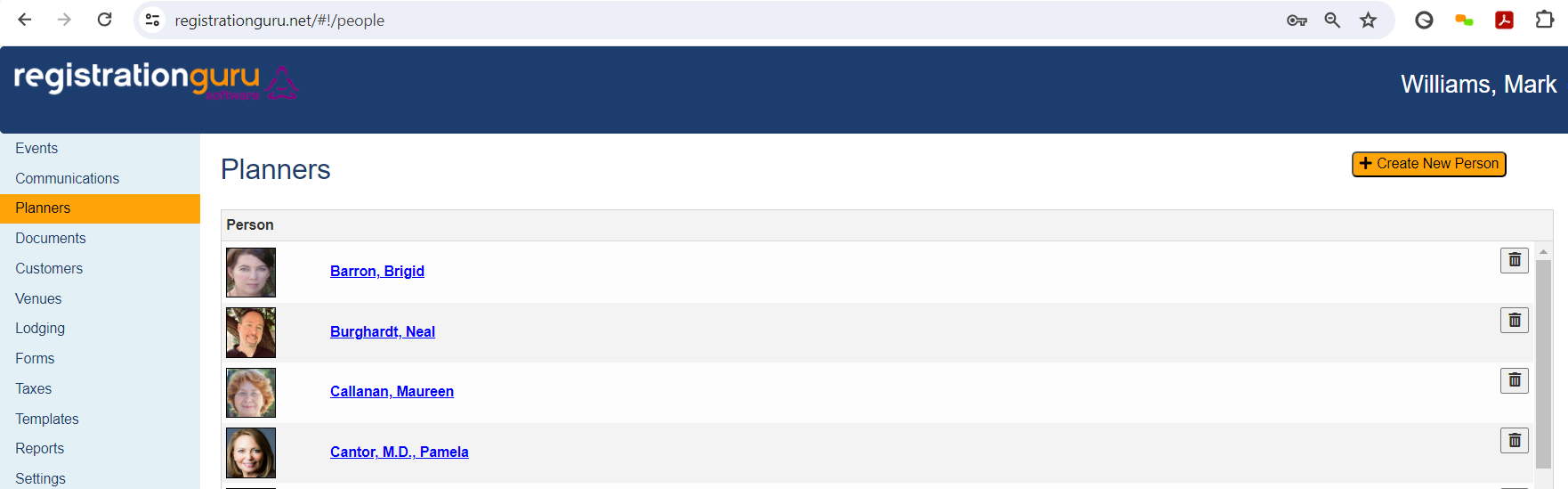
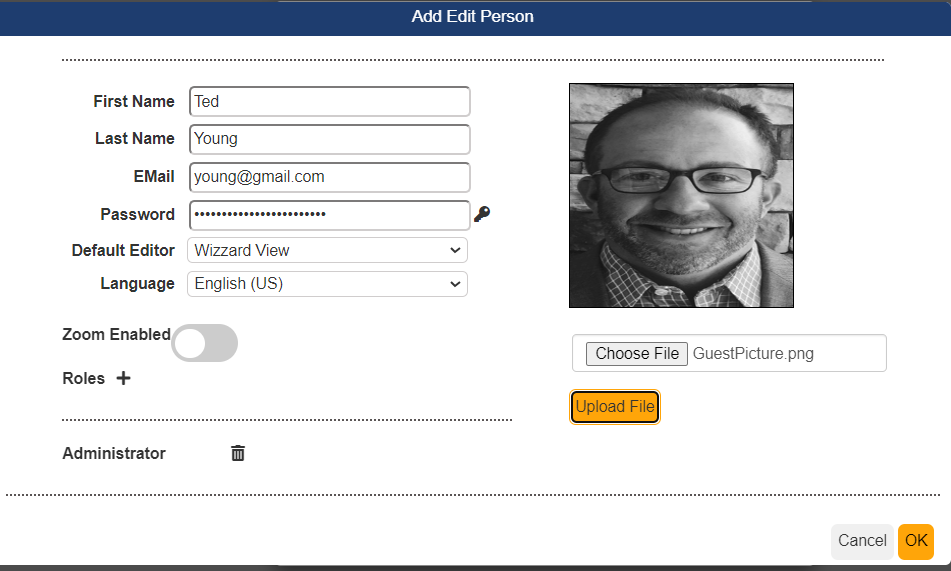
With Registration Guru Software's license you have unlimited user seats, so you can invite new users at your convenience. After logging into the system, click on Planners. The Create New Person will open up a window where you will enter in the new user's information including first name, last name and email address. The user can also upload their picture at any point. Click on the + icon besides roles will provide you with access level options to select for the user. Once you pick the appropriate access level, click on OK. This will generate an email to the new user with instructions on how to set up their user account. If the user no longer is employed at your venue, simply go back to the users account and click on the + icon near roles and toggle off their access level which will remove their access to the software.
Was this article helpful?
That’s Great!
Thank you for your feedback
Sorry! We couldn't be helpful
Thank you for your feedback
Feedback sent
We appreciate your effort and will try to fix the article