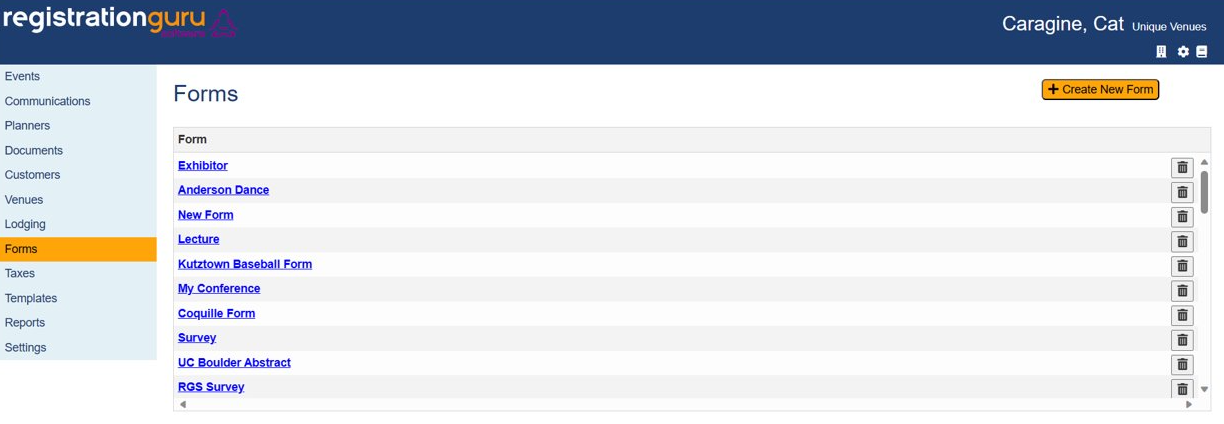
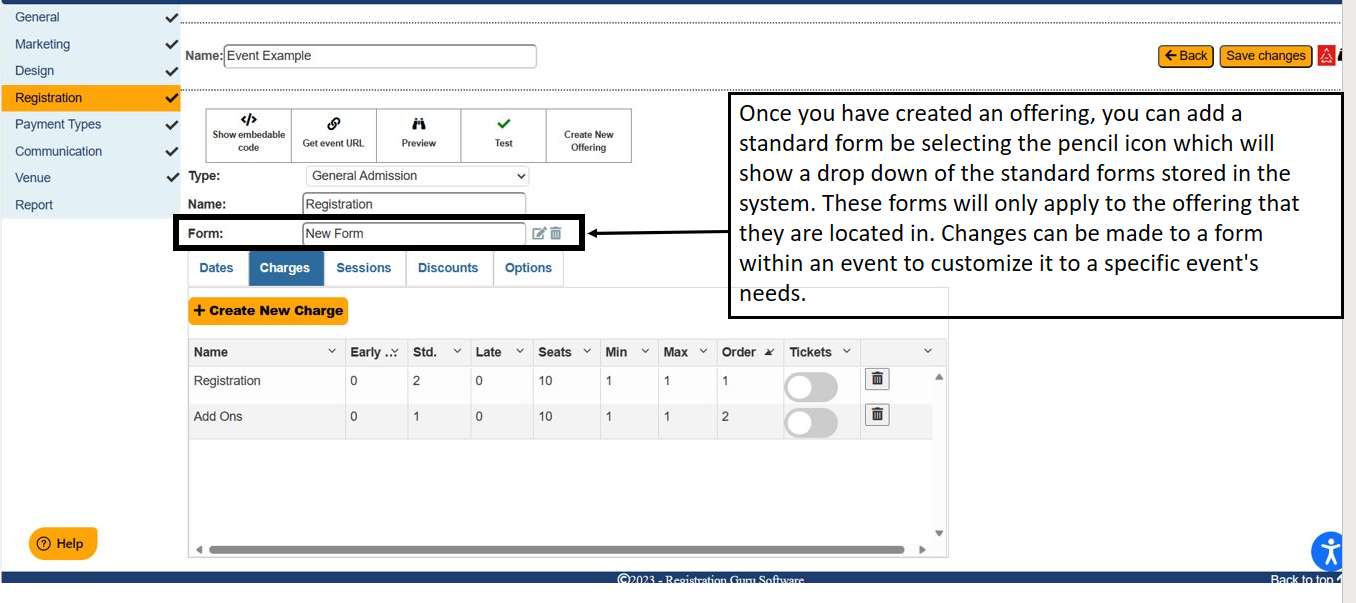
You can create and store forms by selecting the forms button on the dashboard. Forms will be helpful when you want to get more information about an attendee and using the Long Form option. Registration Guru asks the registrant for first name, last name, email address, and phone number by default, but if there is anything else that you need to know about a registrant for an event, this is where you will ask those questions.
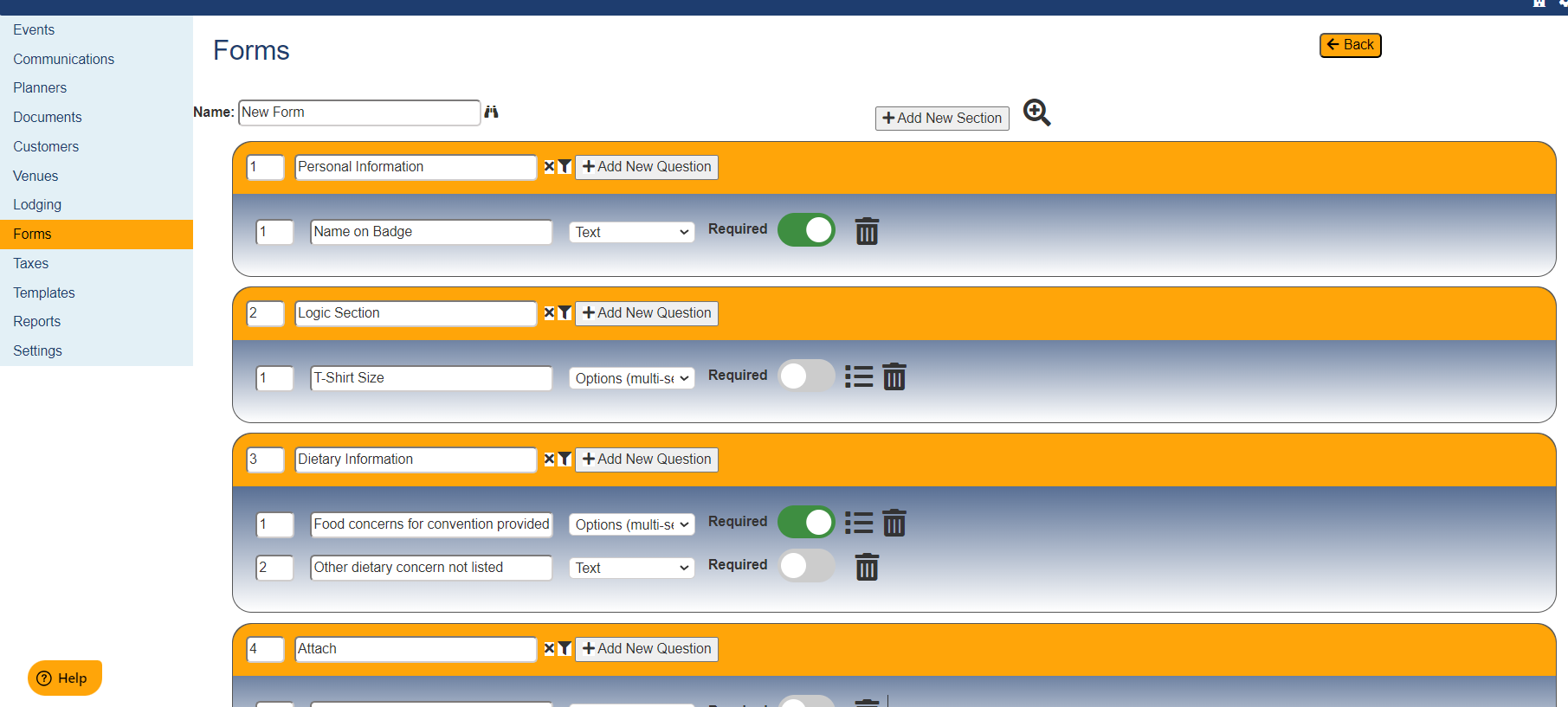
To create a form, click on Create New Form and enter in the sections and questions relevant to the event.
Was this article helpful?
That’s Great!
Thank you for your feedback
Sorry! We couldn't be helpful
Thank you for your feedback
Feedback sent
We appreciate your effort and will try to fix the article